Desktops
I like to waste time configuring my computers so that their interfaces look cool. Here are some screenshots of my desktops throughout the years and some fun hacks!
June 16th, 2024
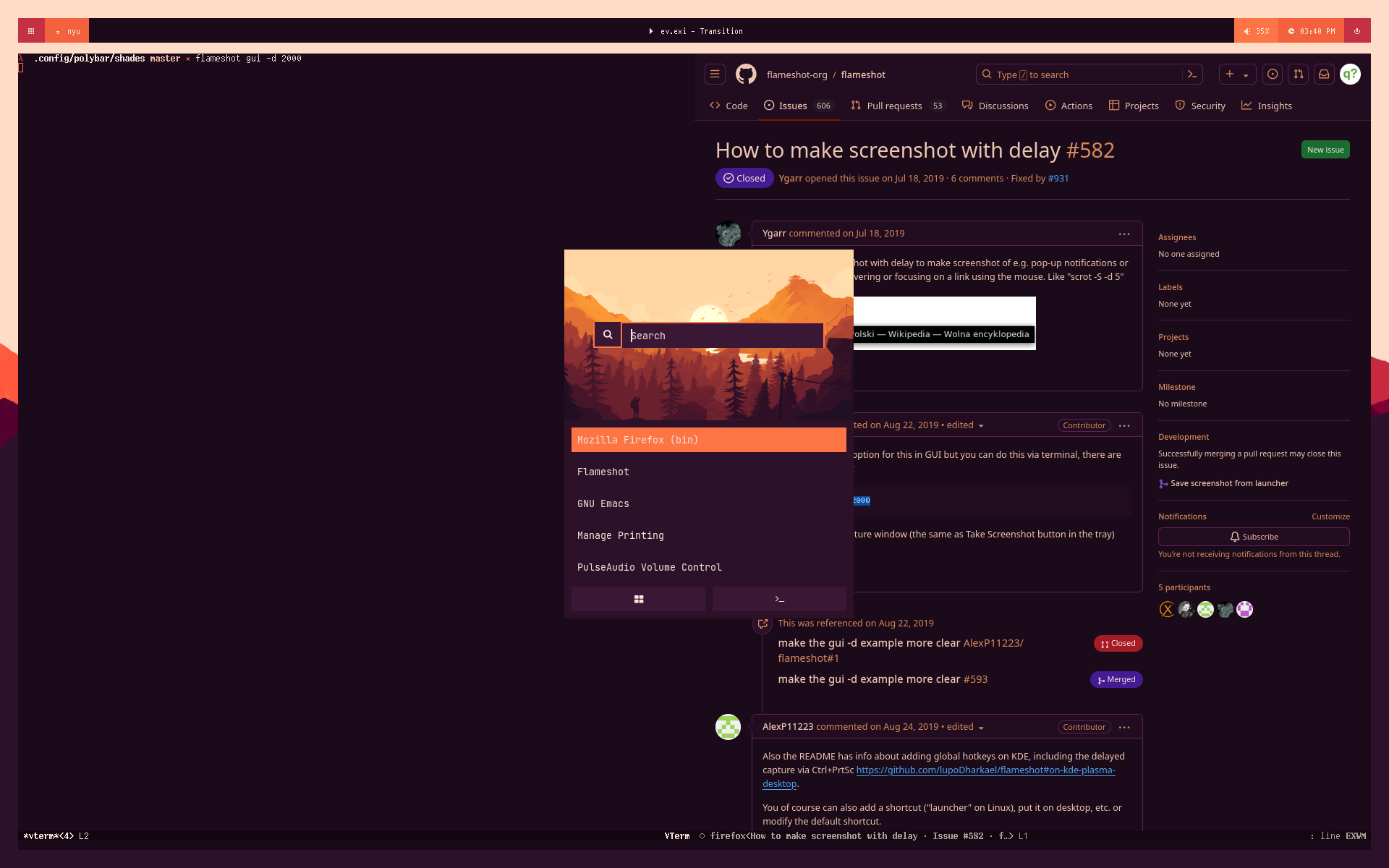
- OS: Gentoo
- WM: EXWM with exwm-outer-gaps
- Browser: Firefox with pywalfox
- Launcher: rofi with a modified version of one of these themes
- Font: I think it's Cozette?
- Bar: polybar with modified Shades theme.
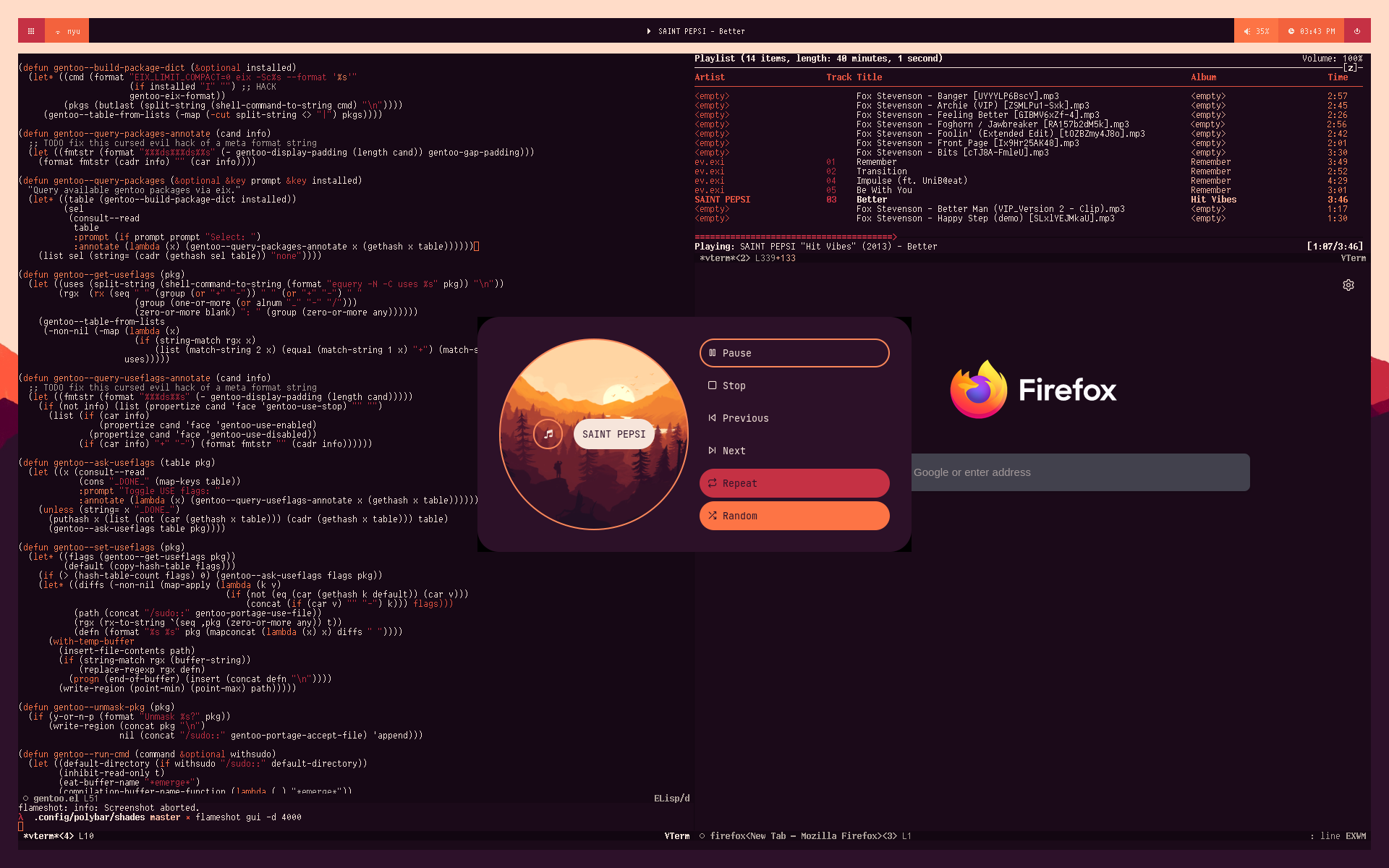
Another cool Rofi setup. Music player is ncmpcpp.
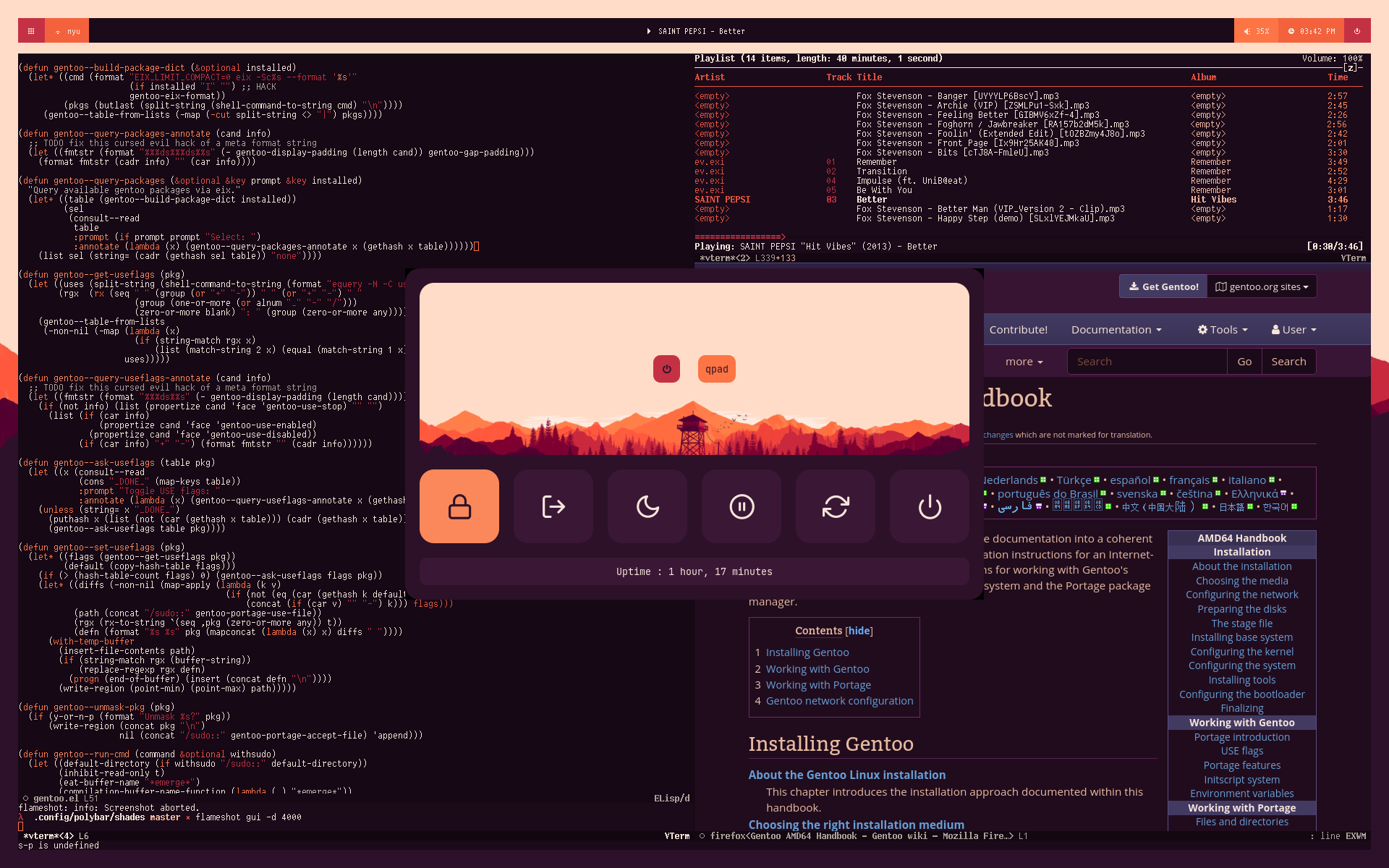
Powermenu Rofi example. Restyling of webpage is done with Dark Reader.
July 16th, 2023
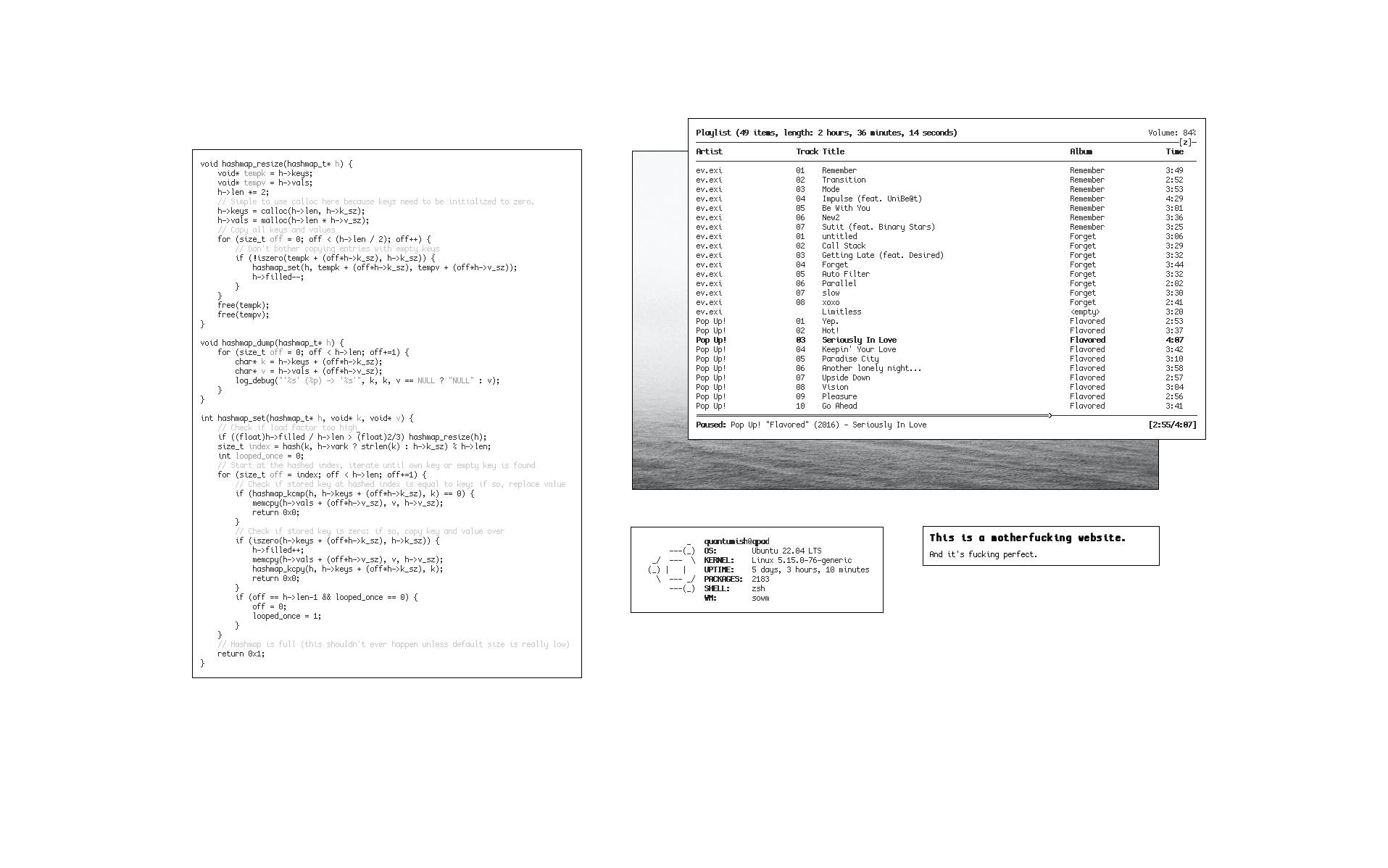
- OS: Ubuntu (server)
- WM: sowm
- Editor: Emacs, with a monochrome doom theme.
- Font: I think it's Cozette?
- Fetch: minifetch
- Browser: surf
- Music player: ncmpcpp
I suspect the terminal is st and the image viewer is feh.
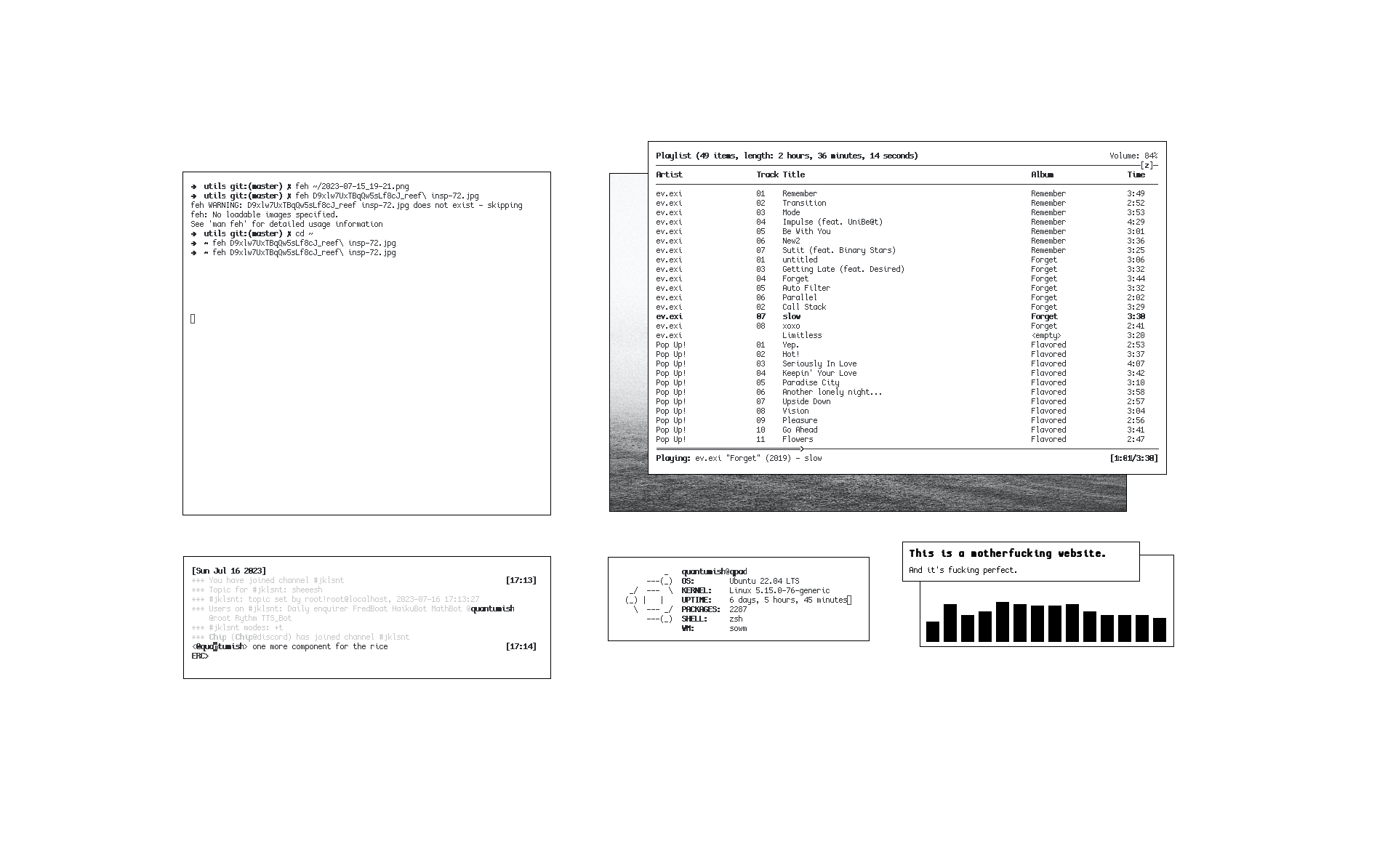
Bonus: this view but with bitlbee-discord and Emacs' IRC client in the bottom left and cava in the bottom right.
August 20th, 2021
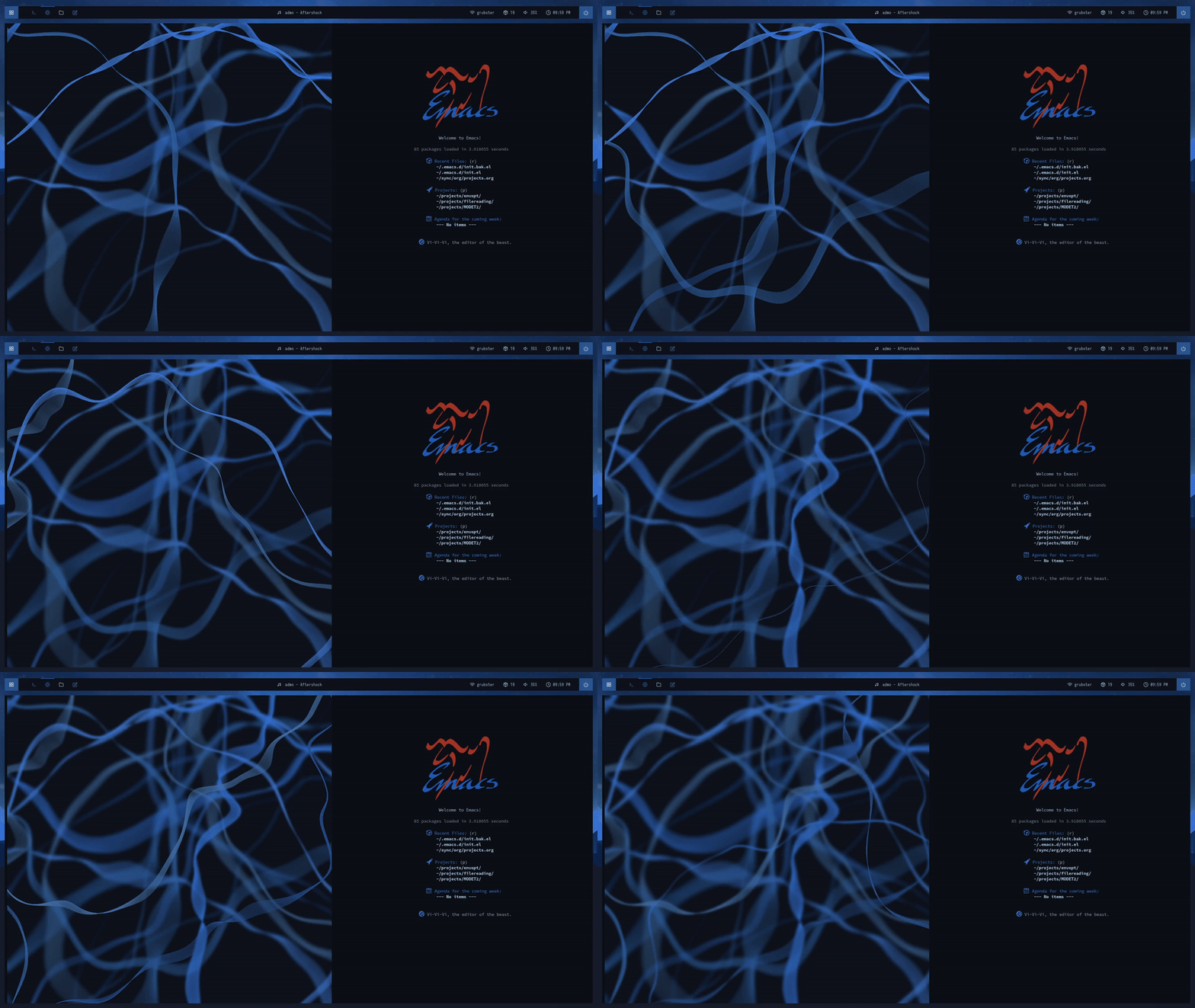
EXWM with a mix of always floating and the Emacs dashboard package. Top bar is polybar with Docky theme.
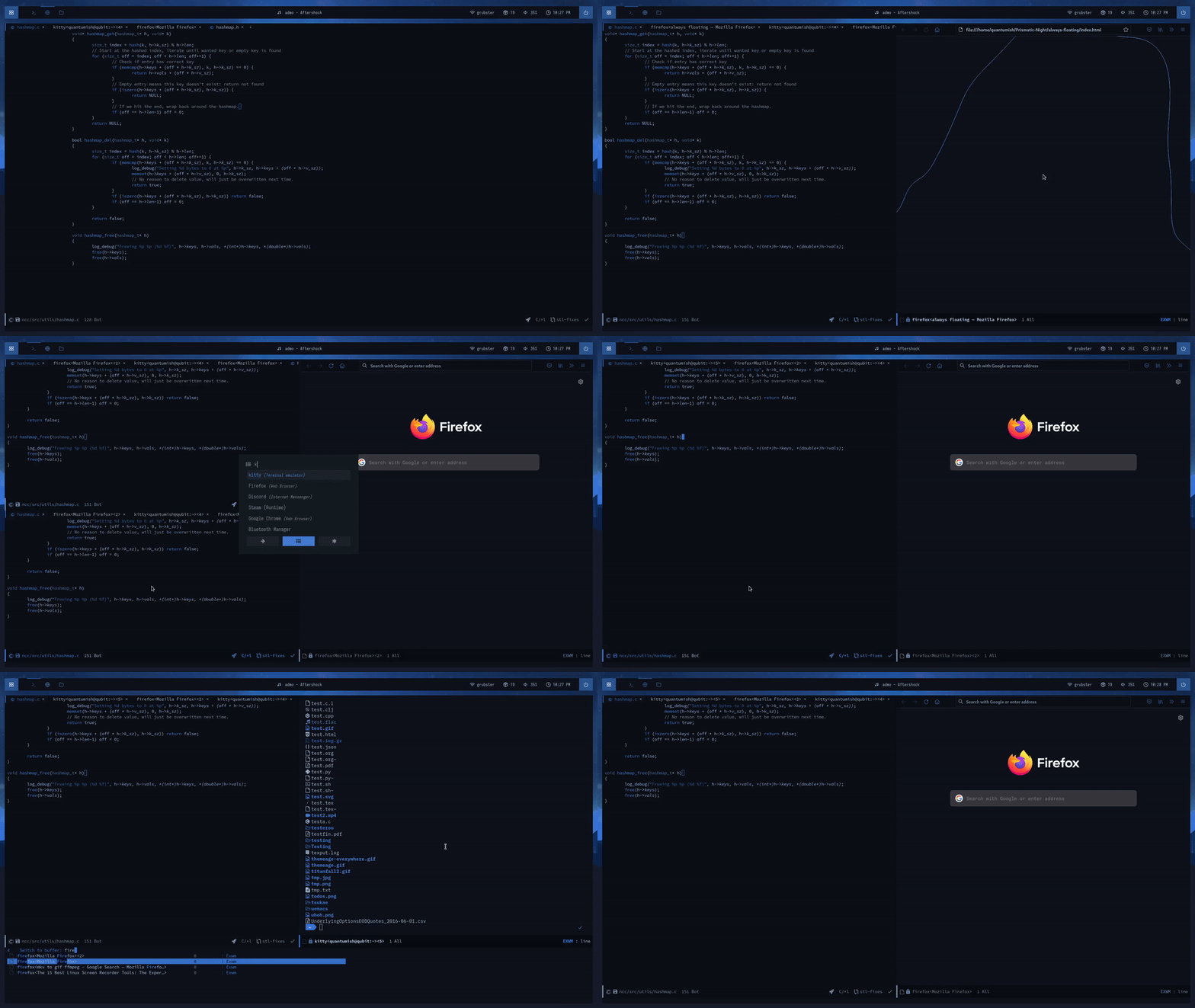
EXWM is pretty awesome. Also visible here is the kitty terminal, rofi with a modified version of one of these themes, and I think lsd for the ls with icons?
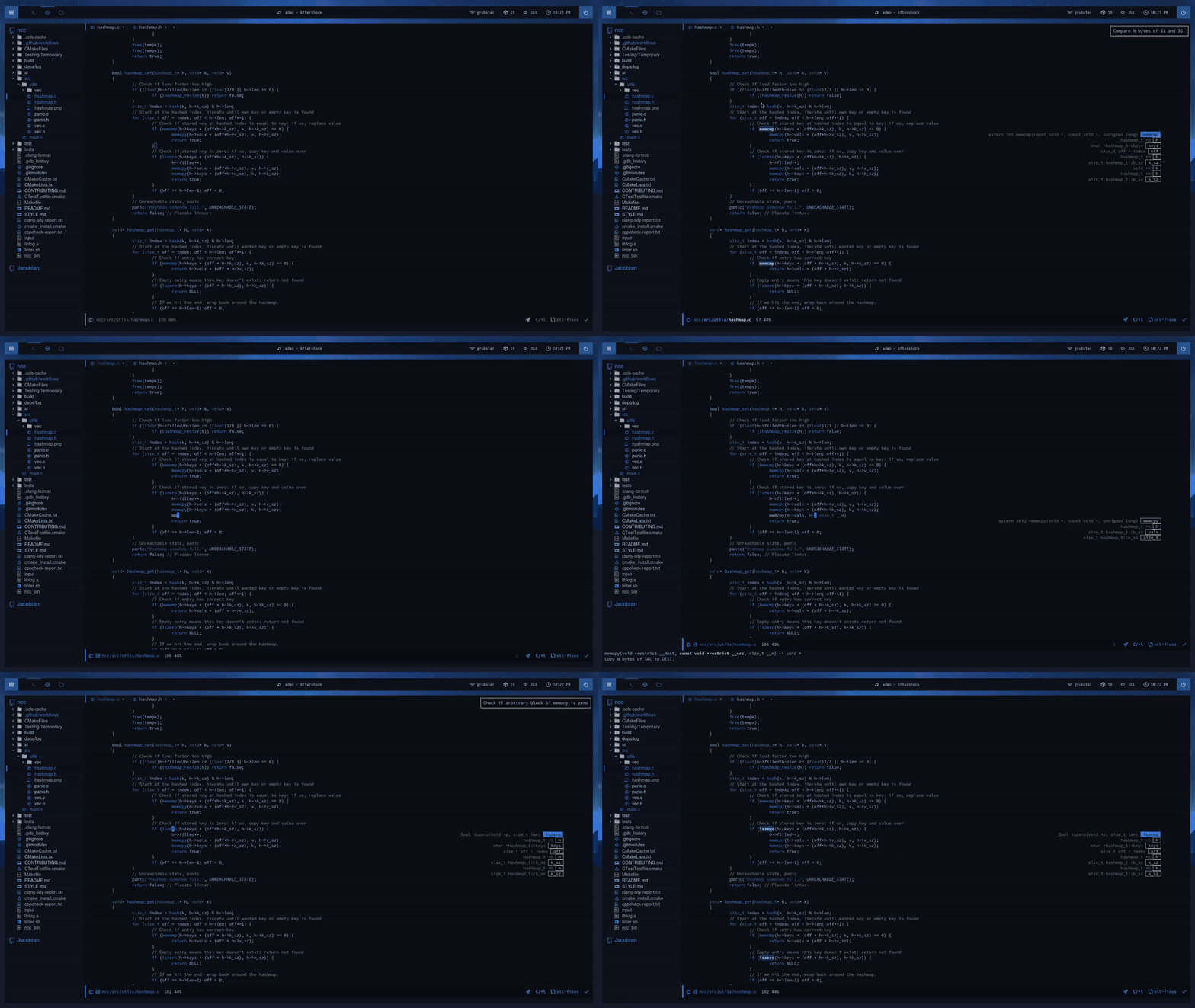
You can achieve a pretty snazzy IDE-like look in Emacs if you want. Here's me editing code with the treemacs, lsp-ui, centaur-tabs, and doom theme packages. For the record: I don't actually write code like this, I just wanted to see what was possible.
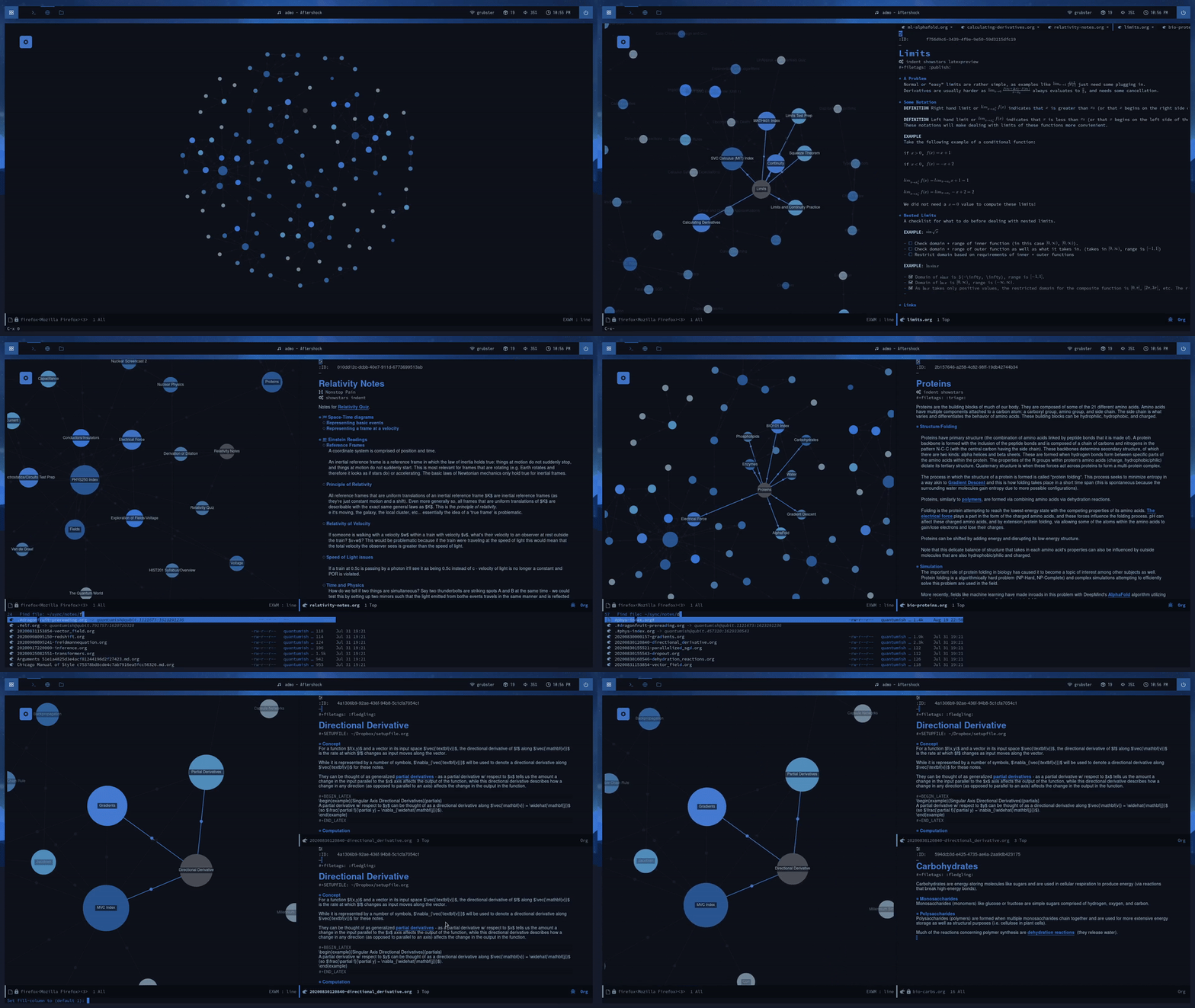
I went through a Zettlekasten phase at one point. Here's me using org-roam alonside org-roam-ui inside EXWM. The aesthetically pleasing parts of Obsidian are (sometimes) possible within Emacs too!
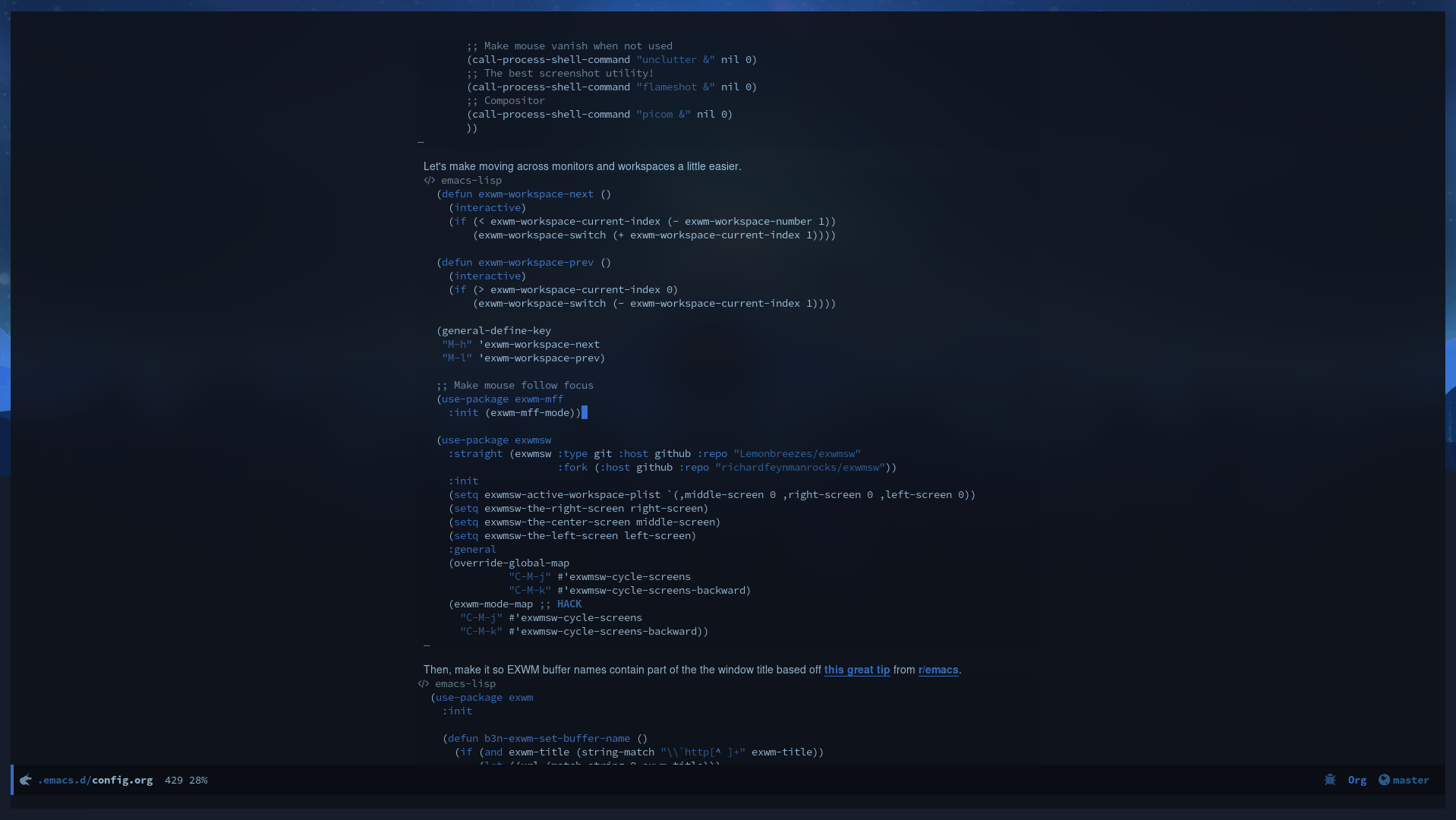
I used what's called a "literate" config for a while where a single Org file would generate multiple config files. Here's an example of me editing it in Emacs with transparency support (my compositor here is picom or some fork of it that has the dual kawase blur).
June 30th, 2021
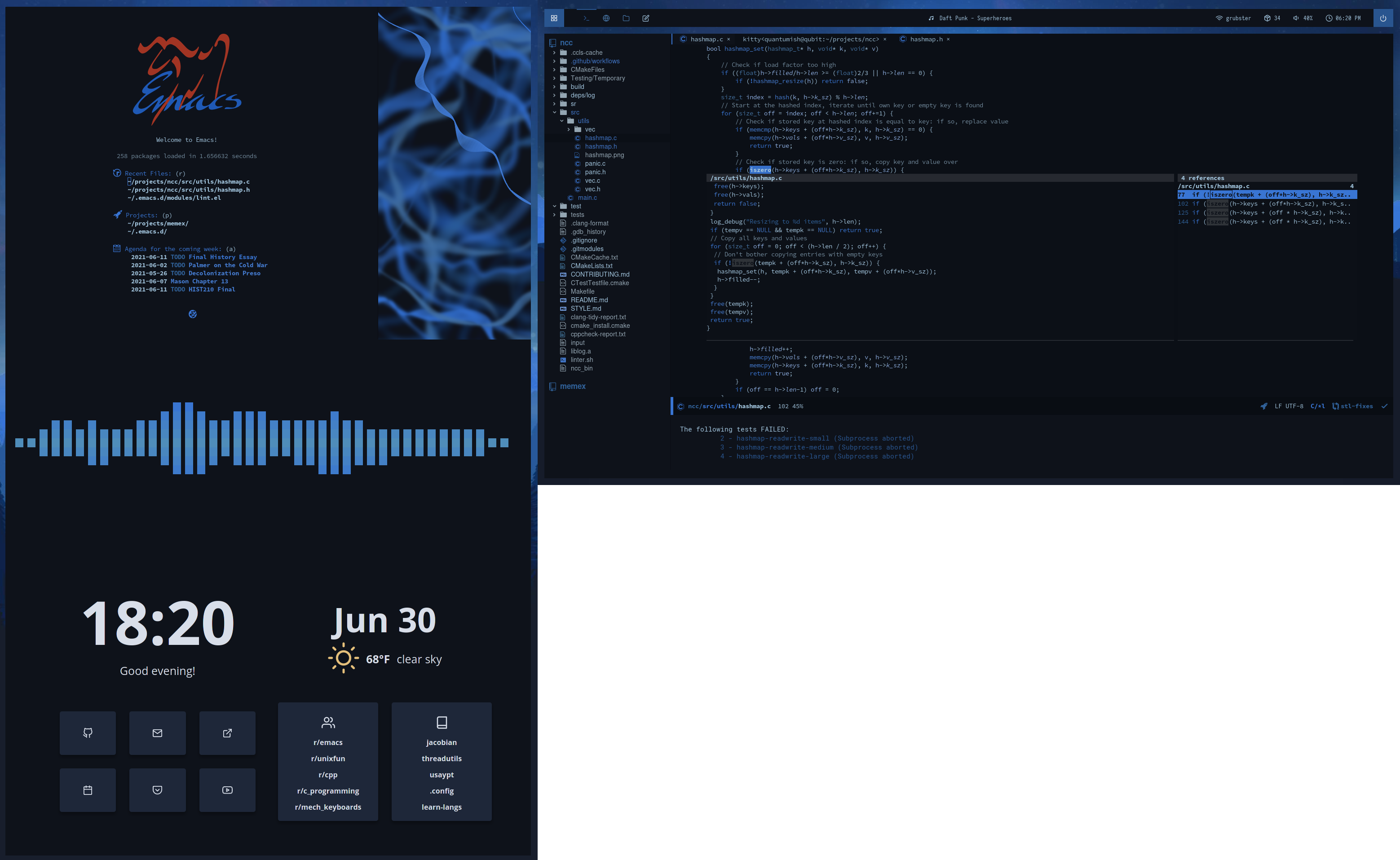
- OS: Arch Linux(?)
- WM: EXWM with exwm-outer-gaps
- Startpage: Bento
- Dashboard: a mix of always floating and the Emacs dashboard package.
- Audio visualizer: cava
- Bar: polybar with modified Docky theme.
- Editor: Emacs with treemacs, lsp-ui, centaur-tabs, and doom themes.
The left panel may not look like EXWM, but that's because I aggressively hid modelines and dividers between applications.
March 19, 2021
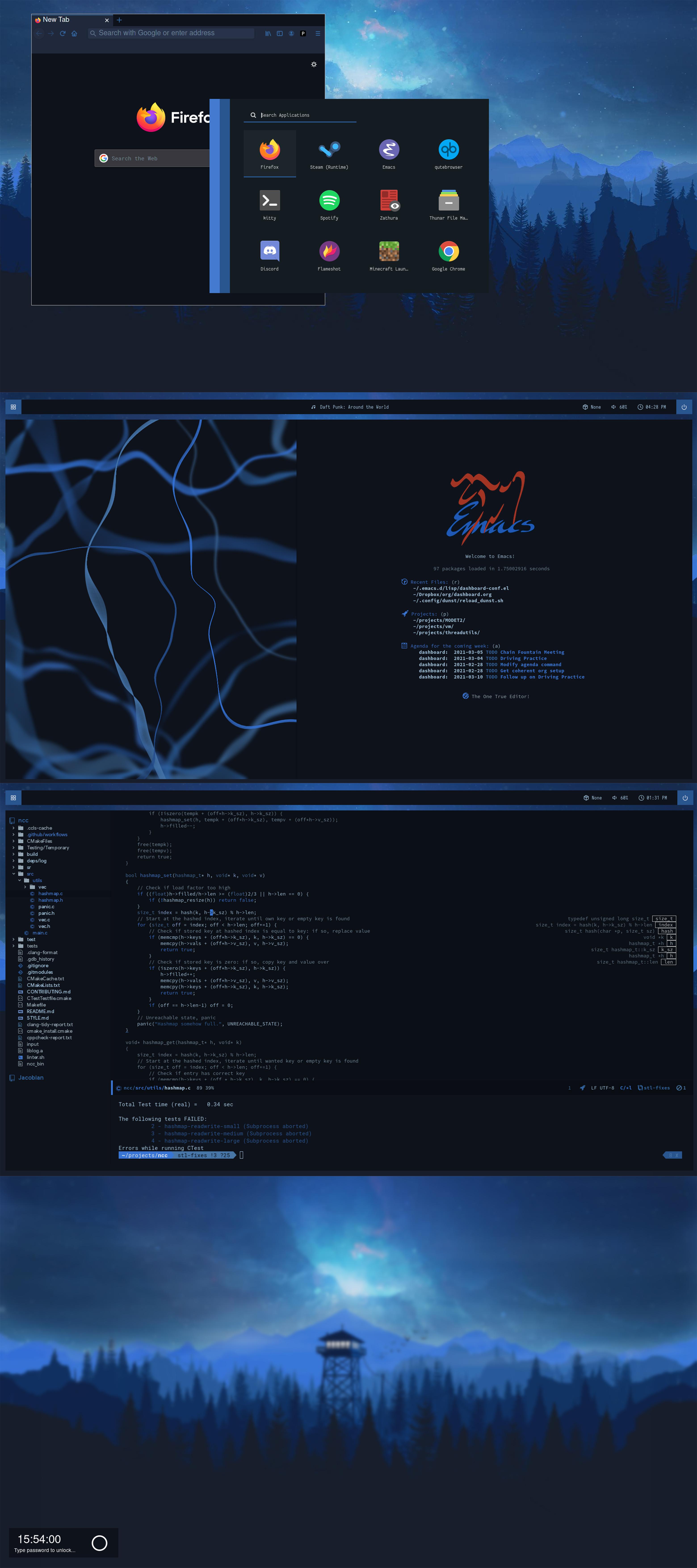
- OS: Arch Linux(?)
- WM: EXWM with exwm-outer-gaps
- Editor: Emacs with treemacs and lsp-ui
- Terminal: kitty
- Dashboard: a mix of always floating and the Emacs dashboard package
- Lockscreen: BetterLockScreen
- Launcher: rofi with a modified version of one of these themes
- Bar: polybar with modified Docky theme.
The top panel is a serious hack: everything you see on the screen is actually being managed by Emacs. The background is not the X11 background but a frameless Emacs window with a hidden modeline and echo area that is running feh. Then, I opened a firefox buffer with all decorations hidden and put it into floating mode in EXWM (and then used Rofi). This results in something I'd argue looks indistinguishable from a regular WM but is all Emacs! It's not very practical, though.
January 16th, 2021
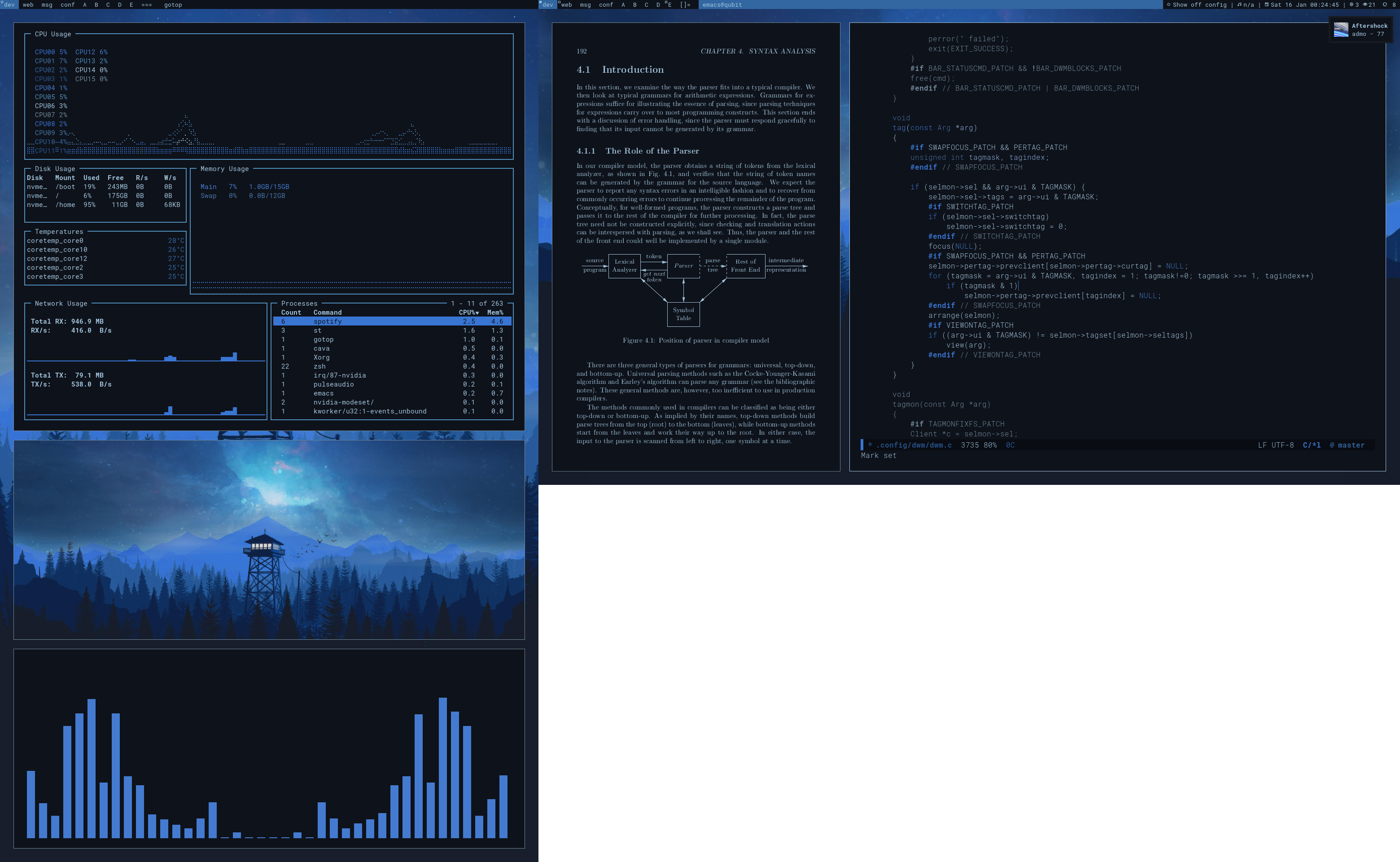
- OS: Arch Linux(?)
- Code being edited: dwm-flexipatch
- PDF viewer: zathura. I'm pretty sure the book is the "Dragon Book" (compilers textbook)?
- WM: dwm (with patches)
- Bar: slstatus
- Notifications: dunst
- Resource monitor: gotop
- Image viewer: feh
- Audio visualizer: cava
- Terminal: kitty
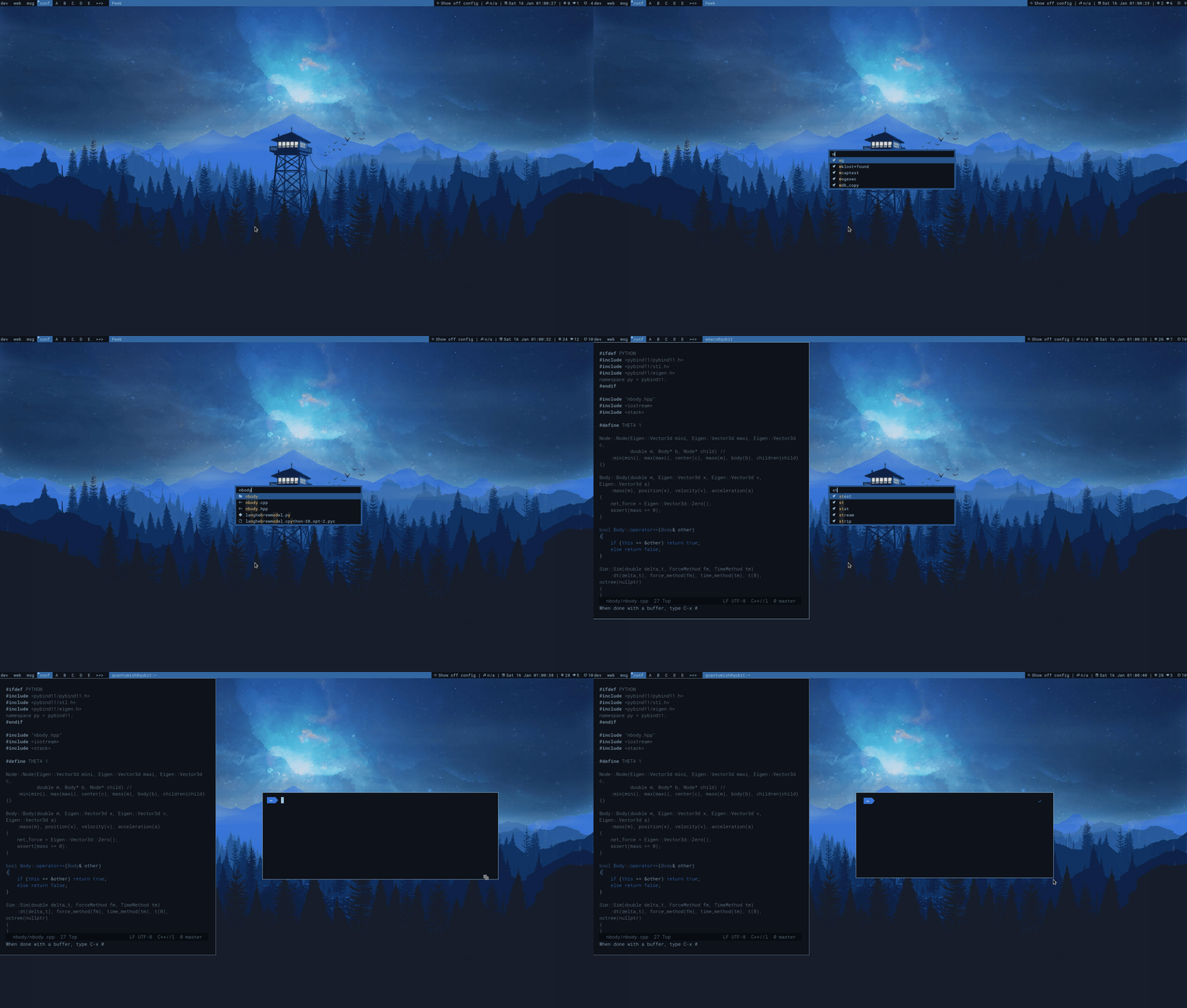
I had some fun using dmenu to script things during this time. This script tries to emulate Spotlight.app from MacOS: it's able to run executables, open files from anywhere, use feh for images, suggest more complicated commands from your shell history, and view Org mode tasks from agenda files. Also visible in this GIF: Emacs, st.
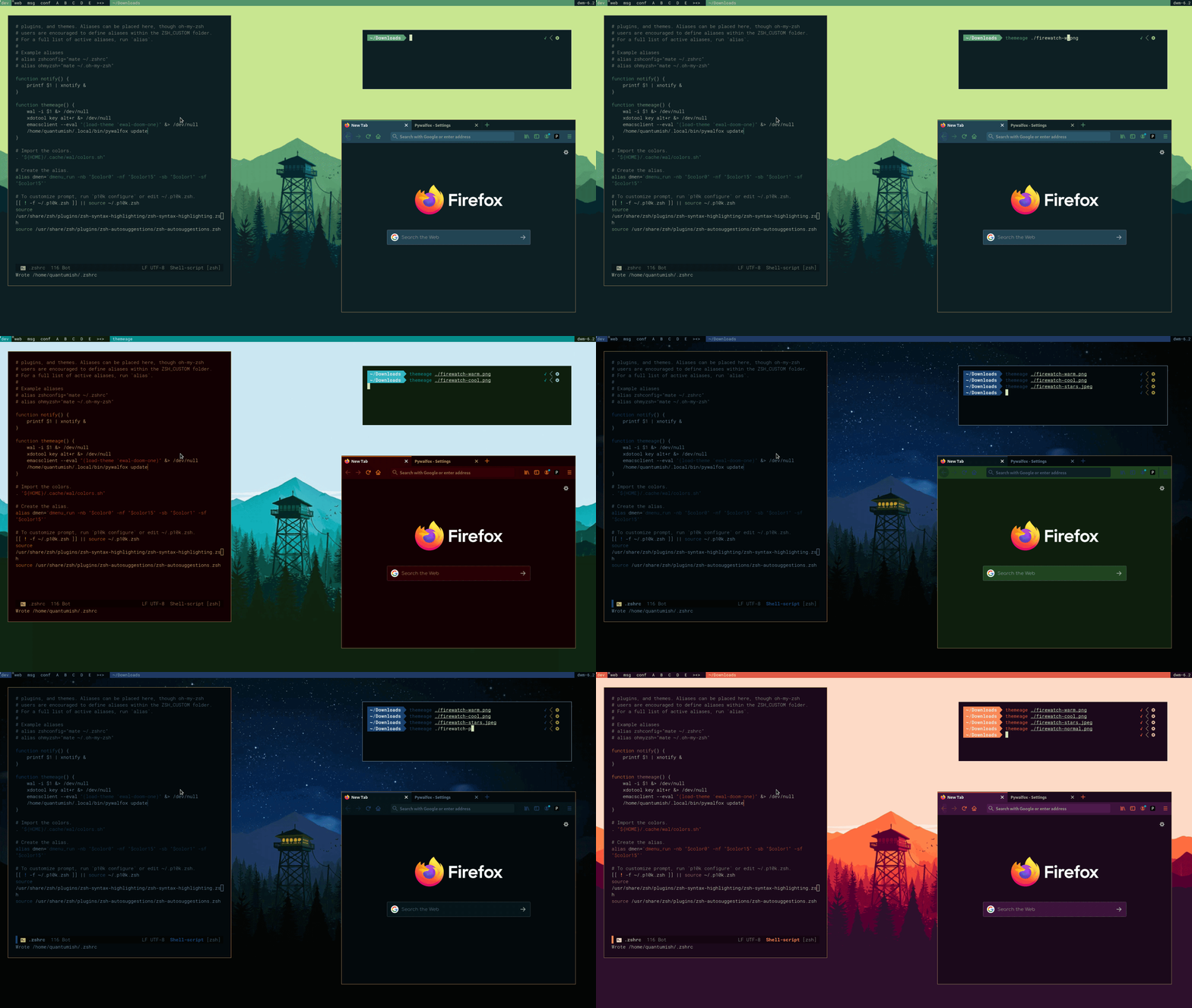
I use pywal for consistent themeing of various things. This is a little script that uses it alongside ewal and pywalfox to update the themes of everything dynamically at once. Also visible in this GIF: powerlevel10k zsh theme.
April 18th, 2020
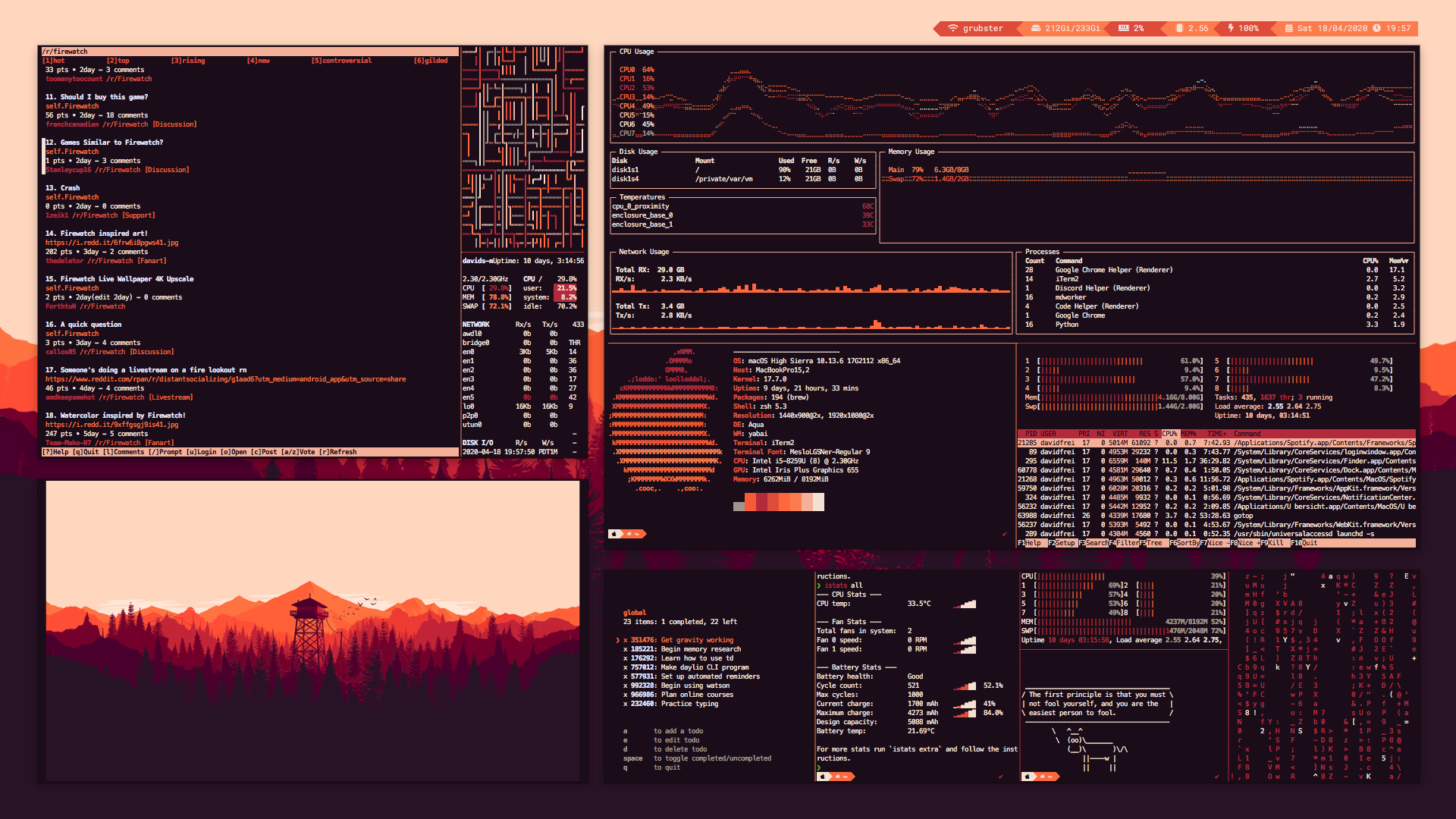
General:
Upper right window:
- gotop system monitor on the upper panel
- neofetch on bottom left panel
- I believe plain old
topon bottom right panel
Upper left:
- Unknown TUI reddit interface on the left.
- pipes.sh screensaver on the top right.
- Unknown
topalternative on bottom right.
Bottom left: image likely displayed via iTerm2 image support.
Bottom right (from left to right):